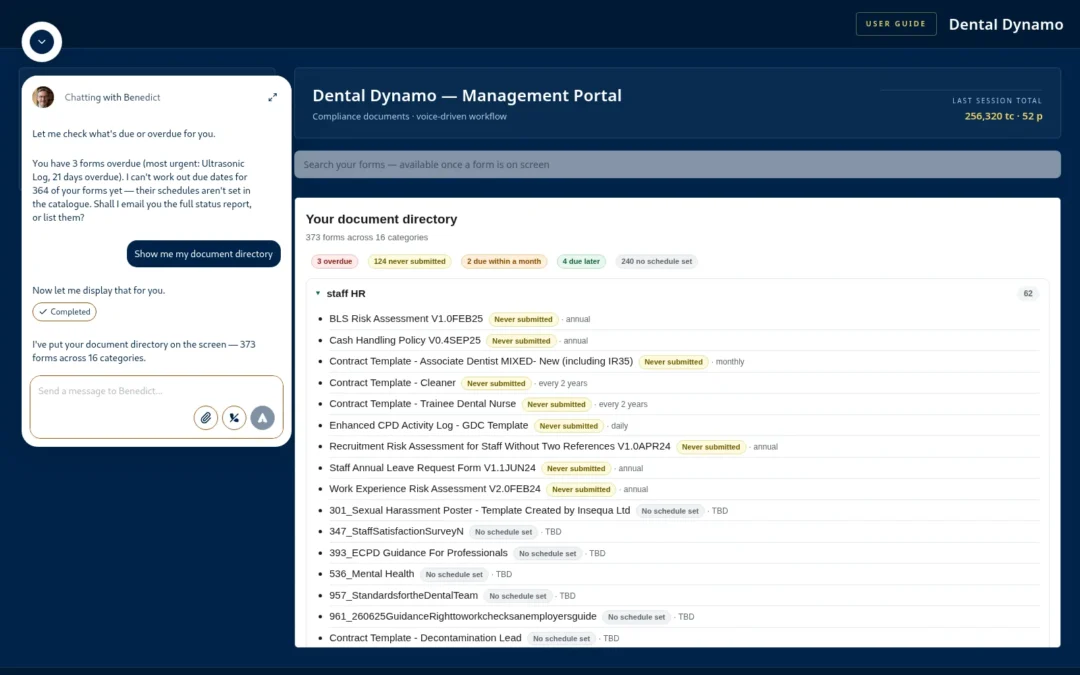
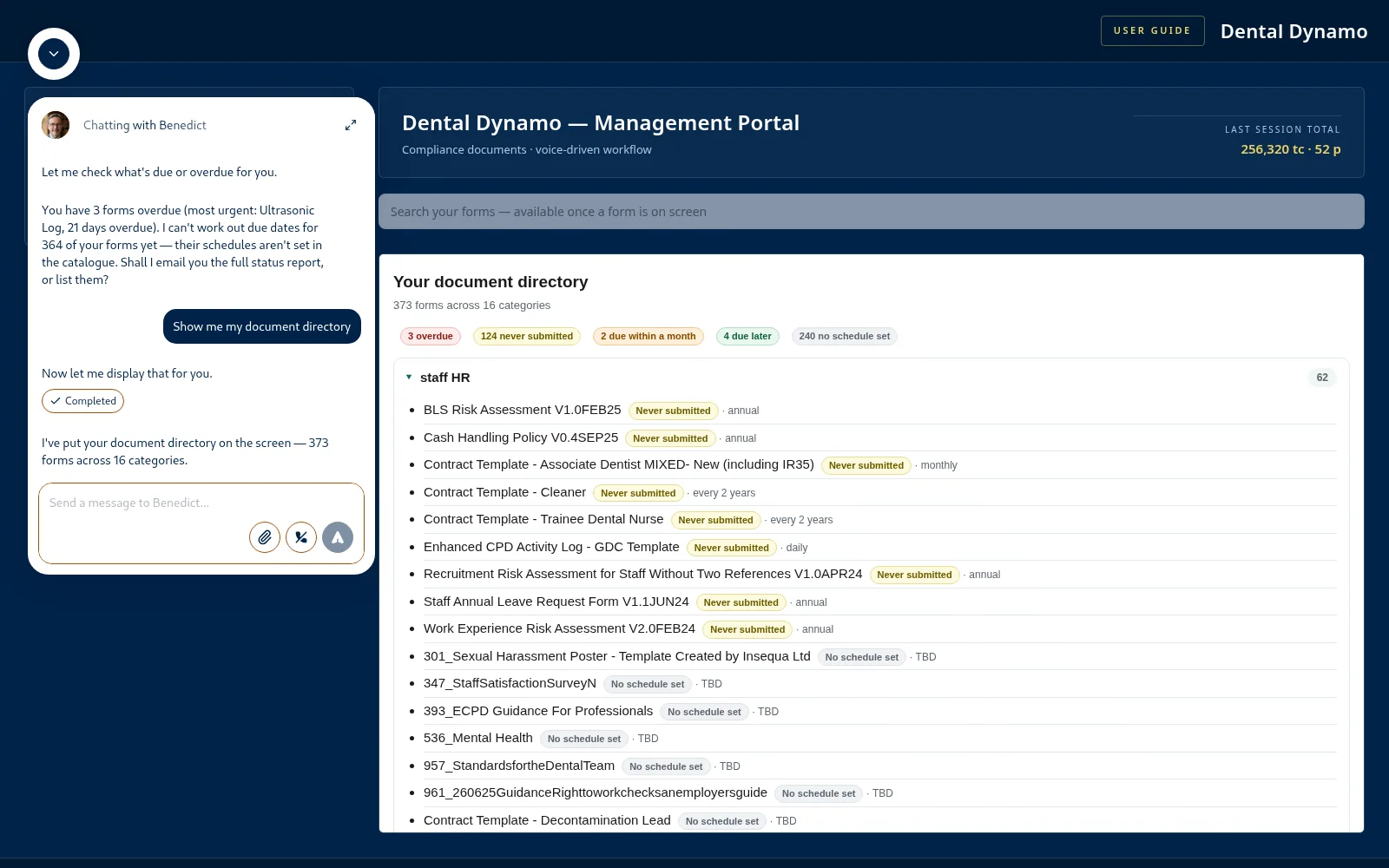
Most of what teckel publishes about Benedict describes what he does. This post simply shows him doing it. Every screenshot below was captured this week on Dental Dynamo, our demonstration practice — a real, working portal with 373 forms in its catalogue, not a mock-up — and the images are unedited apart from cropping. The division of labour they show is the whole idea: you do the thinking; Benedict does the dog work.
Where you stand, at a glance
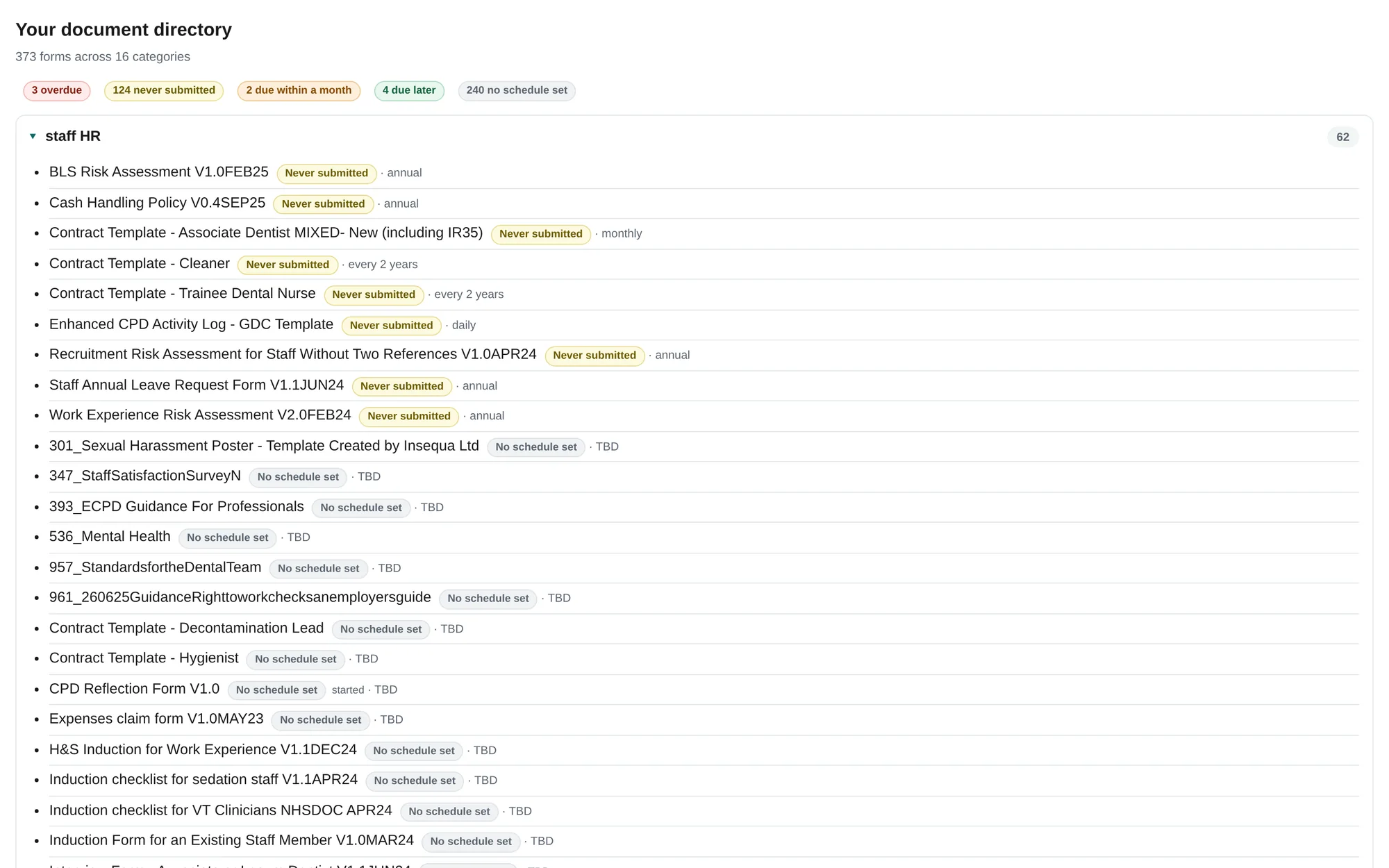
Say “show me my document directory” and the whole catalogue opens on screen, grouped by category, with a traffic-light tag on every form. Red means overdue — provably, with a date that was missed. Yellow means never submitted once. Grey means no review schedule has been recorded yet, and grey is deliberately not green: a form nobody has scheduled is a gap, and it is shown as one. Every tag carries its meaning in words as well as a colour.
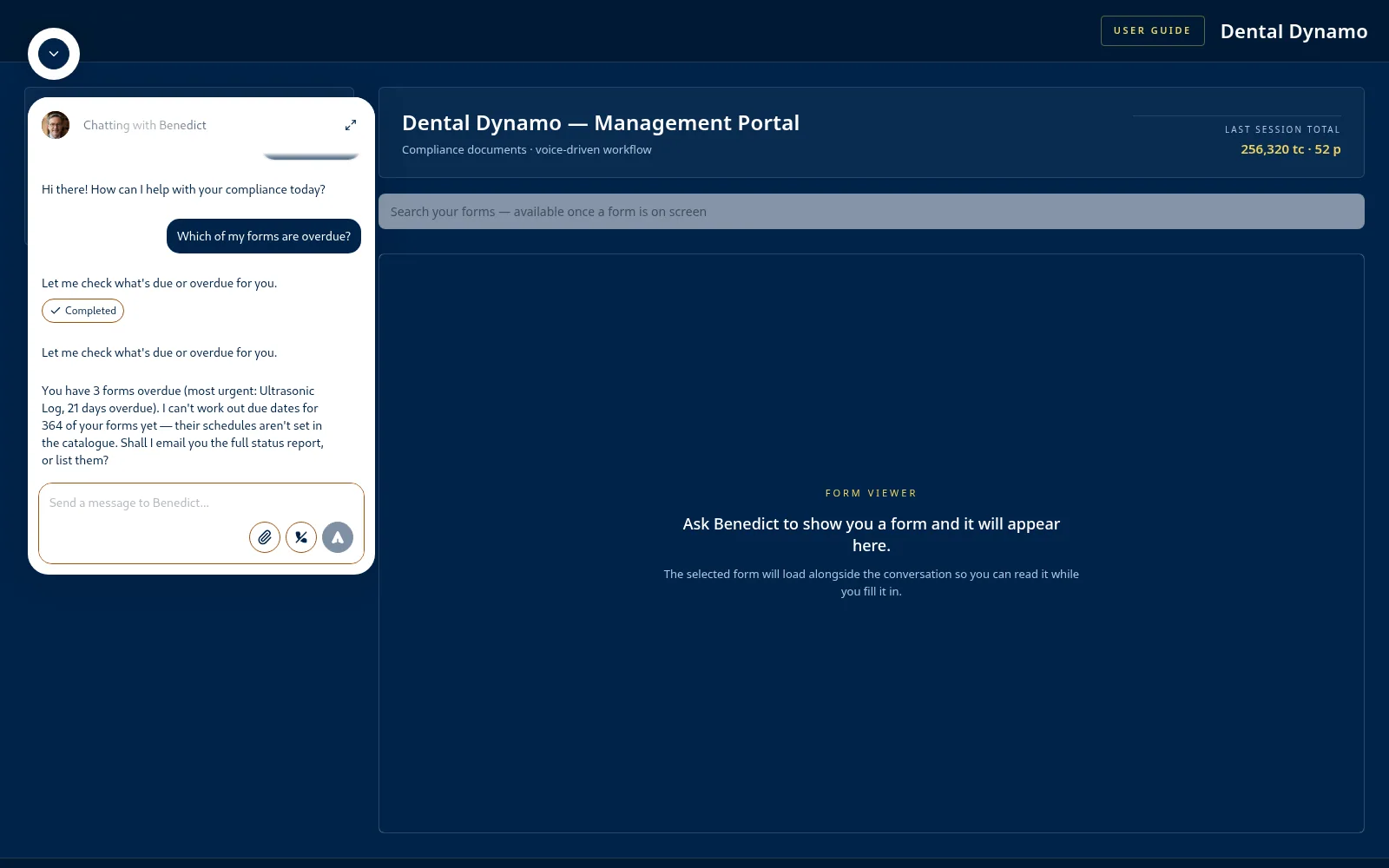
Ask the question directly and Benedict answers from the same records — including what he cannot tell you yet:
Ask for it, see it
The screenshot at the top of this post is that loop in one frame: asked in words on the left, on screen on the right. Say it, see it — that is how the whole portal works: forms, surveys, guidance documents, the directory. The screen is there to be read; the talking is how you drive it.
A conversation, not a form
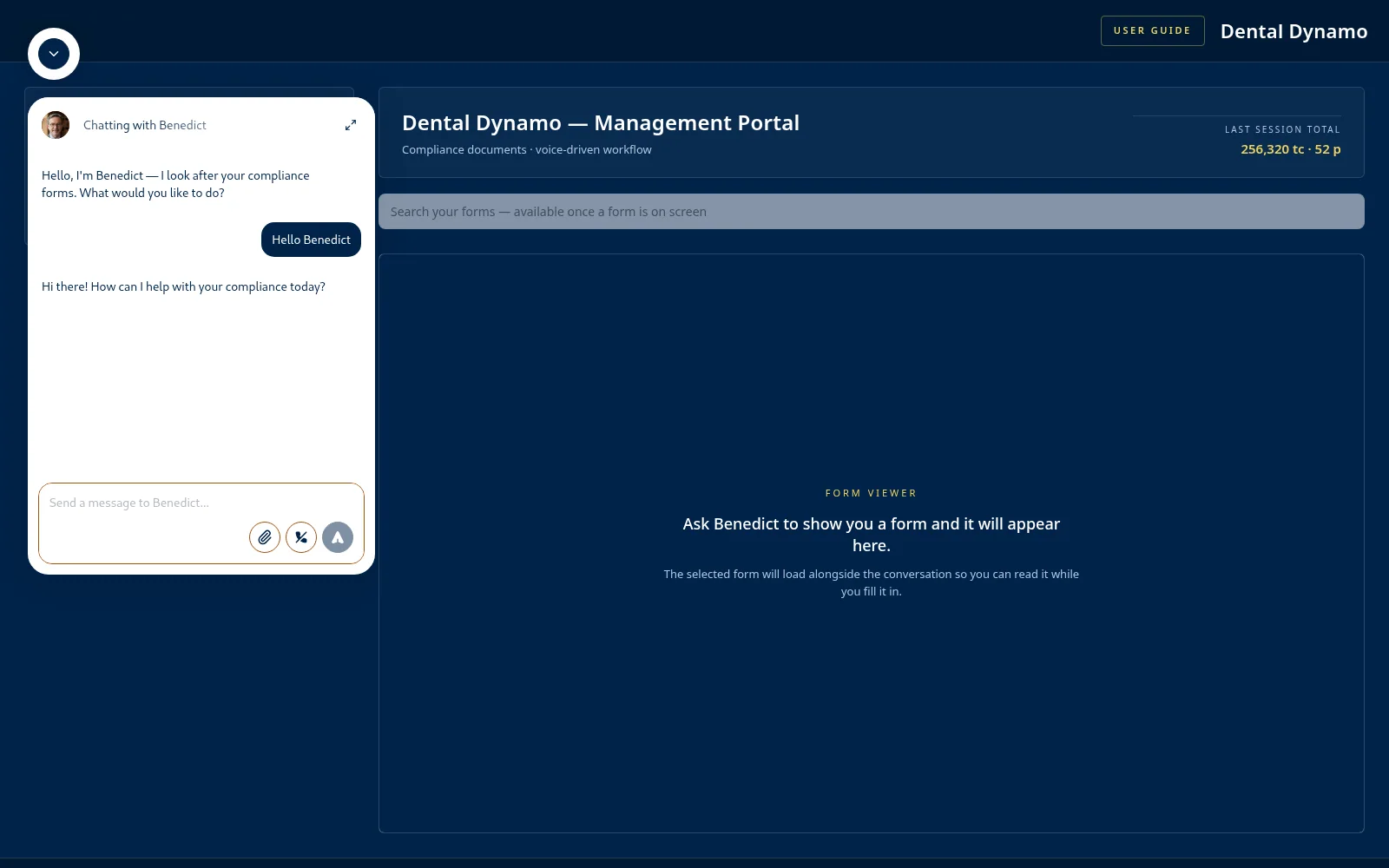
A session starts as simply as this, and the same plain speech files real paperwork: answer several questions in one breath, change an answer at any point, and read the finished form on screen before you say “submit” — a person always checks the paperwork before it becomes the record.
The guidance’s own words
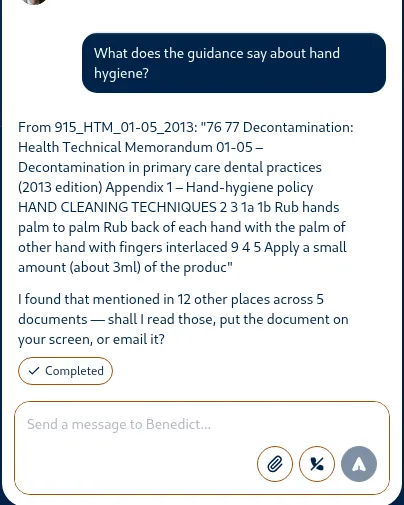
Ask what the official guidance says and Benedict reads you the relevant passage word for word, names the document it came from, and offers to put it on screen or email you the whole thing. He quotes; he doesn’t interpret. On a compliance question a paraphrase is a liability — the source’s exact words are what you can act on and cite.
Surveys, logs and evidence
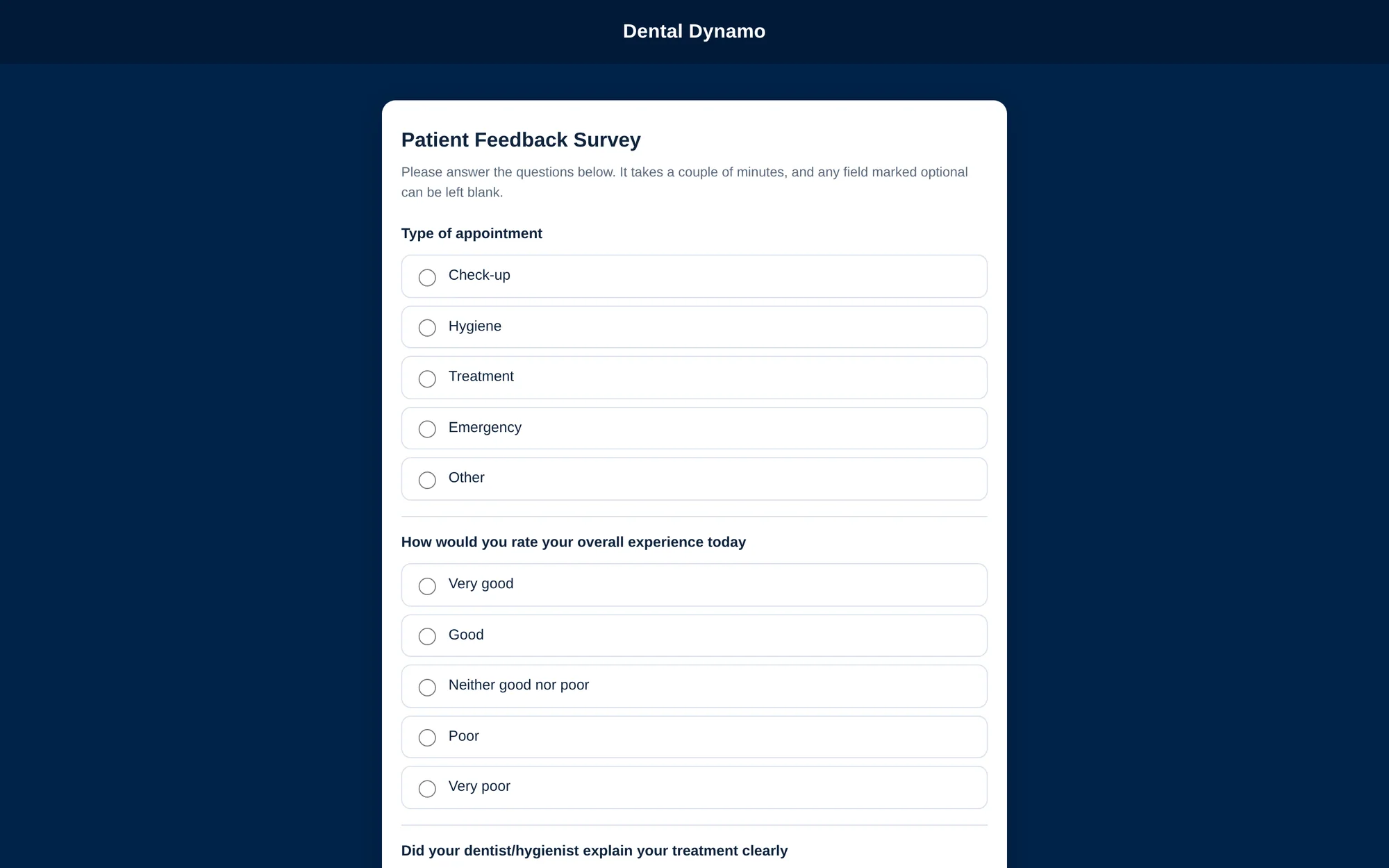
Repetitive entries don’t need voice at all. Ask once for a survey’s or a log’s web link and hand it to whoever has the answers — patients fill in the survey themselves, and every entry lands in the same log.
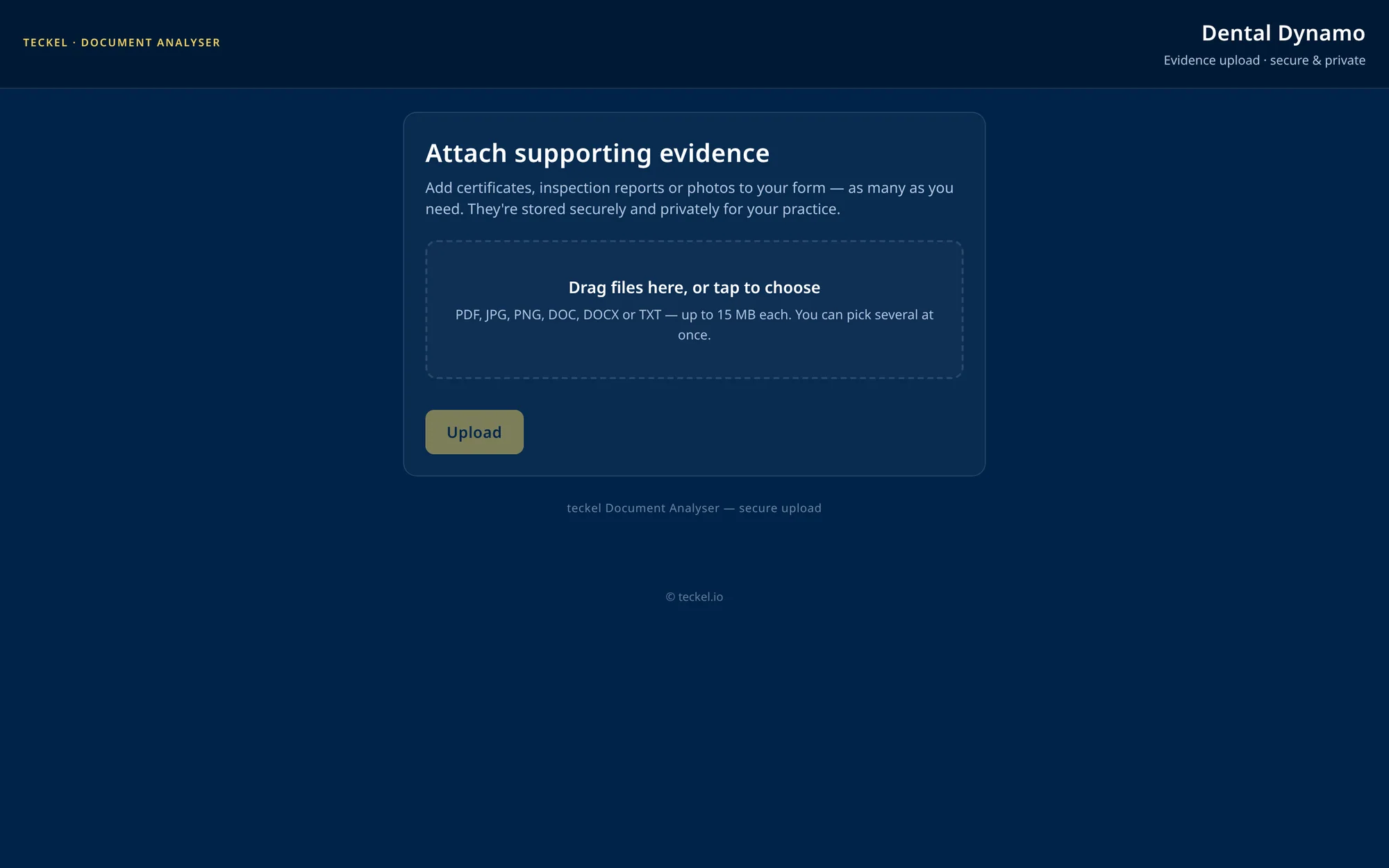
Your practice’s own documents live alongside the forms: inspection certificates, service records, photographs of equipment. A document can even stand as the answer to a question, and the finished form names the document it relies on.
Your practice, on your paperwork
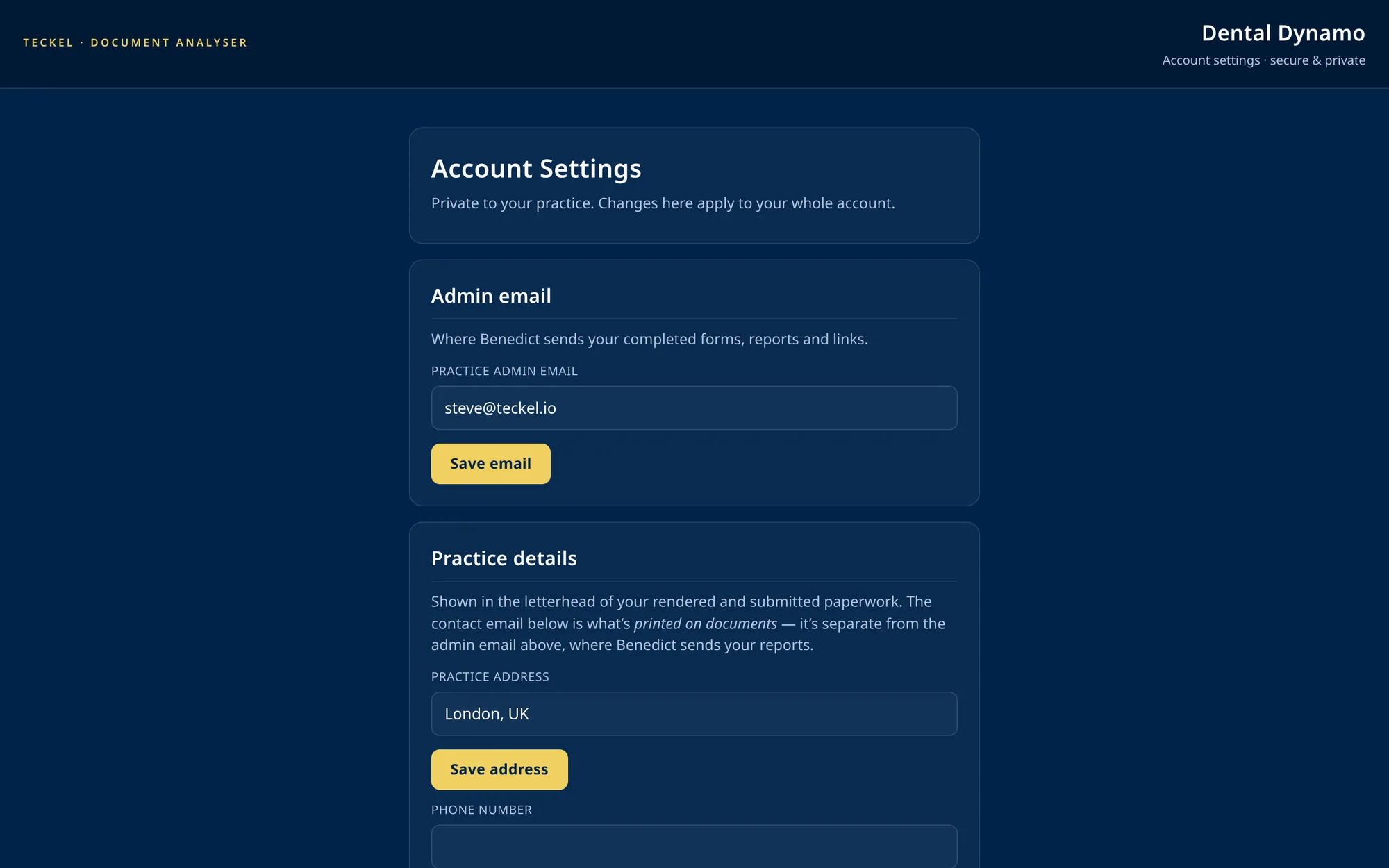
Name, address, CQC and GDC registration numbers, the logo — set them by asking Benedict, and every finished form goes out on your own letterhead.
See it end to end
Screenshots show the surfaces; the walkthrough shows the pace. Watch a full form done by voice on How It Works, then set up in about 15 minutes and try Benedict for real — pay-as-you-go, a few pounds, no sign-up fee and no subscription. Keep going if it earns its keep; stop if it doesn’t.
Dentistry Show London offer: code DSL26 gives 20% extra tc on your first tc purchase during the offer period, for new and existing Benedicts alike — valid until 10 November 2026. Where to enter it: teckel.io/wizard.